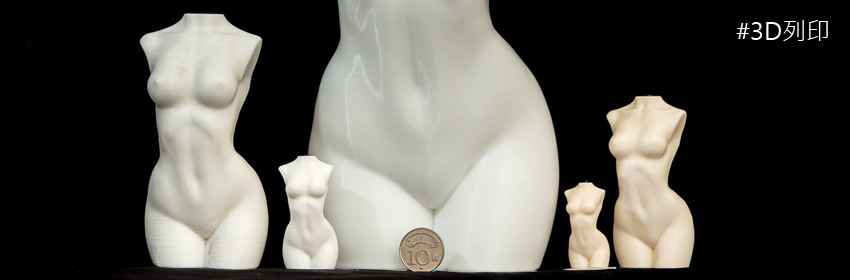
Any suggestions for how to fix these holes in the print? The bottom layer also pokes out a bit any idea why that might be? My bottom exposure is 60s 8 layers. I did check before print that there were no air bubbles visible in the resin.
I actually printed this flat on the bed without supports because having the model at angle with supports gave me undesirable lumps on the bottom of the model. No supports gave me the smoothness I required but I just have these holes and a weird base layer...
翻譯年糕